Bloom Finder alternative for Mac: who should switch, who should stay
Who the Bloom file manager suits, who might want an app closer to Finder, a sourced comparison table, and when Bloom is still the better choice.

In short
- Bloom: a newer Finder replacement with 10 to 12 pane layouts, a "Footprints" history you can undo from, regex rename and archive browsing, on macOS 14 or later.
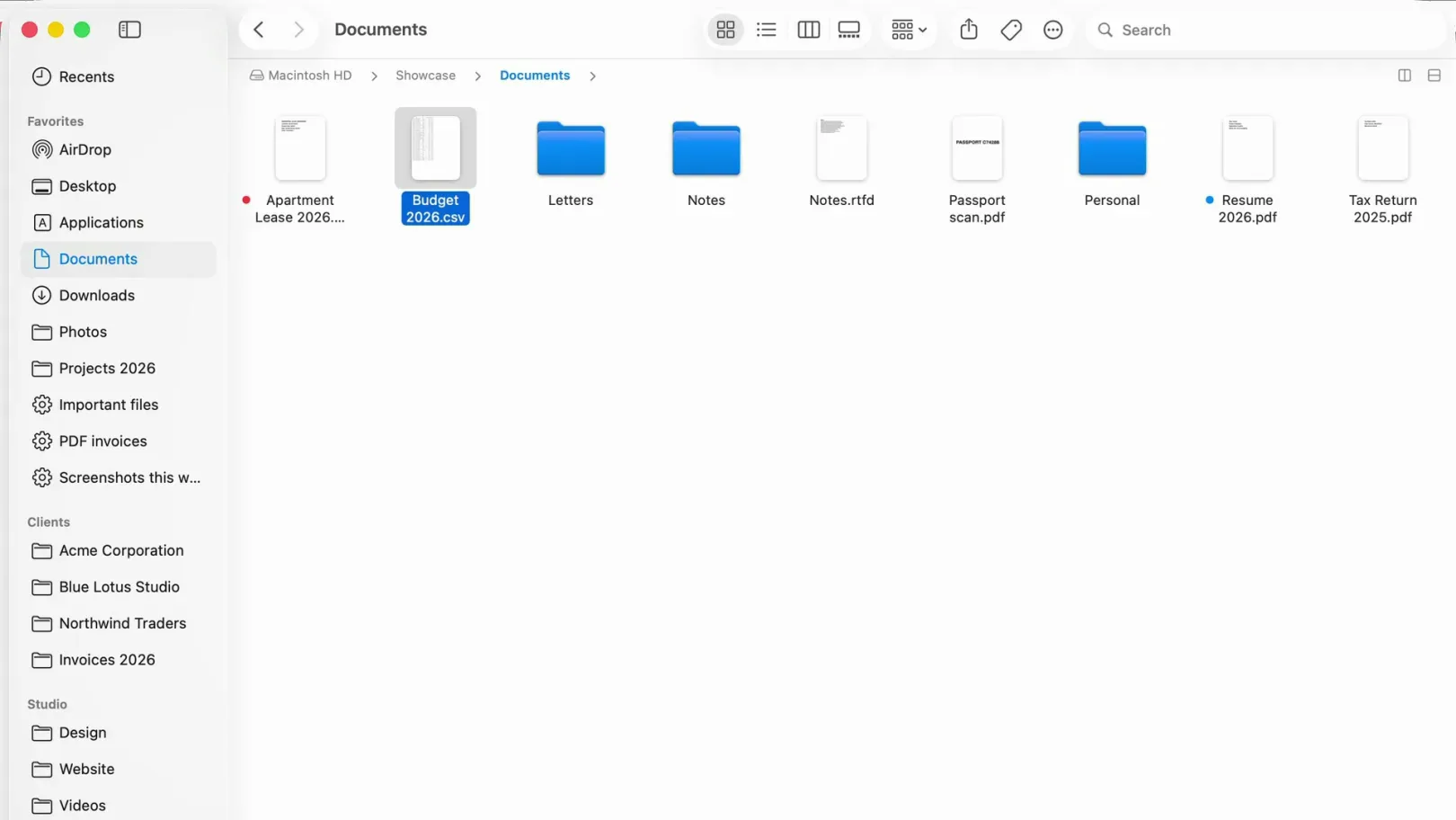
- FileOctopus: works like Finder, nothing to relearn, plus panes, a filename index for fast search, servers (PRO) and a Free plan.
- Stay with Bloom for regex rename, image tools in the preview, an Intel Mac or macOS 14.
Disclosure: FileOctopus is our app. Bloom facts come from its own site and changelog (bloomapp.club) and from dated reviews and listings, linked below and checked 23 November 2026. Prices change, so we name the pricing model only.
Bloom is a Mac file manager that sells itself as "Finder, but Refined". It suits people who want a modern multi-pane window with a lot of built-in tools for a one-time price. If you want something closer to Finder itself, a filename index or SFTP and S3 in a pane, FileOctopus is one alternative; QSpace Pro and ForkLift 4 are others.
- Modern panes, regex rename, archive browsing
 Bloom
- Many layouts plus many server types
 QSpace Pro
 ForkLift 4
- Works like Finder, plus panes and fast search
 FileOctopus
Who is Bloom great for?
Best for people who want a polished multi-pane window with many tools built in.
Bloom is made by a small developer (listed as Inchman on MacUpdate) and updated often: Homebrew picked up four releases between 17 and 22 November 2026 (Homebrew history).
In the reviews
- 10 layouts (Cult of Mac), "up to 12 configurations" (Digital Trends), and workspaces
- "Footprints": a log of file operations you can undo, including deletions and batch renames
- Batch rename with regular expressions
- Browse ZIP and other archives without extracting them
Also mentioned
- Portal, a floating shelf window
- Image tools in the preview: resize, convert to PNG, WebP or PDF
- iCloud, Dropbox and OneDrive in the sidebar (MacUpdate)
- Themes, a menu bar app and AppleScript
Who might want something else?
Bloom users who look elsewhere usually want one of three things. Each is about fit, not quality.
- Finder's own look and keys. Bloom has its own design and theme engine; an app built on Finder's views, sidebar and shortcuts asks you to learn less.
- A name index instead of a scan. In Bloom, ⌘F searches the current folder, and a global search panel searches the locations you set (your home folder by default). Both scan the file system rather than use an index (bloomapp.club, Cult of Mac). FileOctopus keeps its own filename index for the folders you approve.
- SFTP or S3 in a pane. Bloom connects to SMB and WebDAV servers and can mount FTP servers without file operations (Bloom changelog, WebDAV added in November 2026), but names no SFTP or S3 support.
Bloom and FileOctopus compared
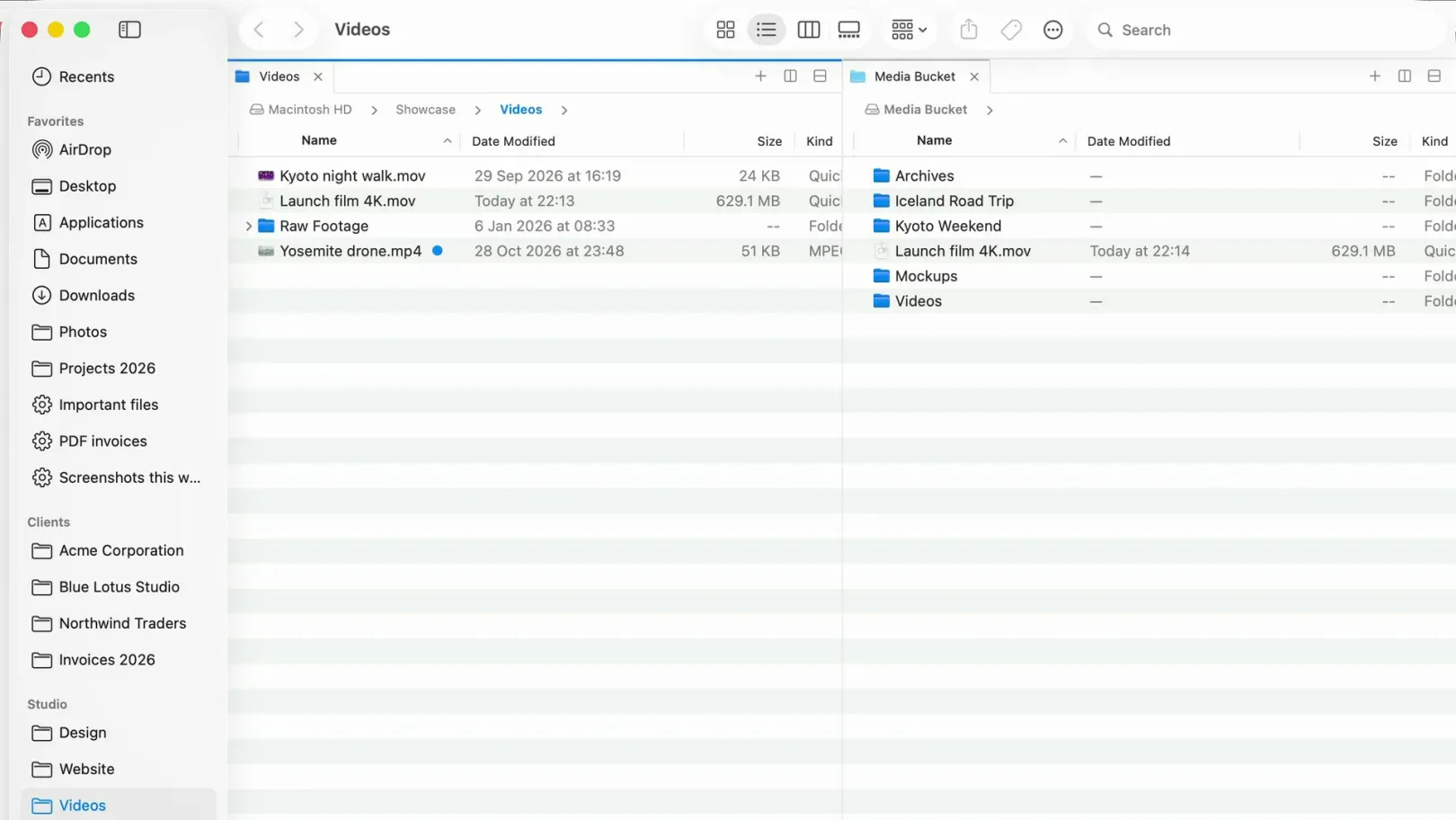
Bloom has more built-in tools for renaming and images, and runs on macOS 14 and Intel Macs. FileOctopus stays closer to Finder, keeps a filename index, connects to servers (PRO) and has a Free plan.
| What you choose on | Bloom | FileOctopus |
|---|---|---|
| Browsing | ||
| Layout | Yes: 10 to 12 pane layouts; workspaces | Yes: Finder's views; 2 panes Free, 16 PRO; pane tabs; workspaces (PRO) |
| Search | Yes: Current folder (⌘F) and a global panel over chosen locations; scans files, no index | Yes: Own name index plus Spotlight; text in documents and screenshots opt-in (PRO) |
| Servers and cloud | Partly: SMB, WebDAV; FTP mount without file operations; iCloud, Dropbox, OneDrive folders; no SFTP or S3 named | PRO: SFTP (beta), WebDAV, S3-compatible in a pane; cloud folders through their own apps |
| Tools | ||
| Archives | Yes: Browse ZIP and others, extract some files, compress | PRO: Look inside zip, 7z, rar and tar, copy files out (read-only); compress to ZIP |
| Batch rename | Yes: Regex, numbering rules | Yes: Free: Replace Text, Add Text, Format, preview; no regex |
| Undo | Yes: Footprints history | Yes: Last 20 steps, also after relaunch (24 hours) |
| Compare two folders | Not stated: Not stated in the reviews | PRO |
| Find duplicates | Not stated: Not stated in the reviews | Yes: Scan Free; move copies to the Trash PRO |
| Requirements and price | ||
| Oldest macOS | 14.0 | 15.0 |
| Intel Macs | Yes: Intel and Apple Silicon (MacUpdate) | No: Apple Silicon only |
| Price model | One-time purchase; 7-day trial | Free plan; PRO one-time, 14-day trial |
| Latest version | 1.5.52 (Homebrew, 22 November 2026) | 1.1.3, 23 November 2026 |
has it partly no not stated in PRO. Bloom cells: bloomapp.club and its changelog, Digital Trends (August 2026), Cult of Mac (November 2025), MacUpdate and Homebrew, checked 23 November 2026. Reviews describe the version they tested, so newer Bloom releases may do more. The Homebrew date is when the release reached Homebrew, not an official release date. FileOctopus also shows iCloud Drive, Google Drive and Dropbox folders through the providers' own apps.
Want Finder's feel with panes and a fast filename search? Download FileOctopus; the Free plan has no time limit.
When Bloom is the better choice
Bloom is the better pick for several jobs that FileOctopus doesn't do today. Stay with Bloom, or pick it, if:
- You rename with regular expressions. FileOctopus batch rename has no regex.
- You extract and create many archive types. FileOctopus looks inside zip, 7z, rar and tar archives and copies files out (PRO, guide), but creates only ZIP.
- You convert or resize images while browsing. Bloom's preview has image tools; FileOctopus shows Quick Look, and Rotate, Trim and Markup only on macOS 26 or later.
- You run macOS 14 or an Intel Mac. FileOctopus needs macOS 15 and Apple Silicon.
- You like theming the window. Bloom has a theme engine; FileOctopus follows Finder's look.
What FileOctopus does differently
Works like Finder, nothing to relearn: same views, sidebar, Quick Look and shortcuts, plus panes, search that answers as you type and safer file operations.
Good at
- Search: its own filename index for the folders you approve, plus Spotlight (guide)
- Panes: split right or down, tabs per pane, workspaces (PRO) (guide)
- Safer copies: pause, clashes ask first, Undo after quitting (last 20 steps, 24 hours; guide)
- Servers (PRO): SFTP, WebDAV and S3-compatible storage in a pane (guide)
Keep in mind
- Batch rename has no regular expressions
- Archives: looks inside zip, 7z, rar and tar (PRO, read-only) but creates only ZIP
- SFTP servers and Amazon S3 are still a beta; the limits page lists what it doesn't do yet
How do I switch from Bloom?
Switching from Bloom to FileOctopus takes a few minutes, and both apps can stay installed while you try it.
- Your files stay put; neither app moves files on install or removal.
- Drag favourite folders into the sidebar's Favorites, as in Finder.
- View ▸ Pane Layout ▸ Side by Side gives two panes; Window ▸ Save Workspace… keeps a layout (PRO).
- Add folders you search often in FileOctopus ▸ Settings… ▸ Search to index their names.
- If Bloom opens "Reveal in Finder" for you, give that back first, then turn on Use FileOctopus instead of Finder in FileOctopus ▸ Settings… ▸ General (guide).
Questions people ask
Can Bloom replace Finder?
Partly. Cult of Mac (November 2025) said Bloom can be made the default file manager with a Terminal command and a restart, and its maker said on Product Hunt that it can take over "Reveal in Finder". No third-party app removes Finder: macOS keeps it for the Desktop and Open and Save dialogs (FileOctopus vs Finder).
Is there a free alternative to Bloom?
Nimble Commander is free and open source, and FileOctopus Free has no time limit: two panes, file operations with Undo, batch rename and filename search. Our best Finder alternatives compares nine apps in one table.
Bloom or QSpace Pro?
Both are multi-pane Finder replacements sold as a one-time purchase. QSpace Pro lists more server types (as a paid extension) and over 20 archive formats and runs on macOS 10.15; Bloom builds in regex rename and Footprints. Our QSpace Pro alternative page covers QSpace in depth.
Which other apps did you compare?
We have separate pages for Path Finder, ForkLift and QSpace Pro, each with a "when it is the better choice" section.
Like Finder but want panes and faster search? Download FileOctopus; the Free plan has no time limit, and PRO is a one-time purchase.
Sources
Checked on 23 November 2026: Digital Trends on Bloom (10 August 2026), Cult of Mac review (19 November 2025), Bloom on MacUpdate, Bloom on Homebrew, Bloom on Product Hunt. Bloom's site and changelog (minimum macOS, search, SMB, WebDAV and FTP). FileOctopus facts are from our guide and limits page.
The Bloom icon comes from its MacUpdate listing and belongs to its maker. Spotted a mistake? Write to support@fileoctopus.com and we'll correct it.