ForkLift alternative for Mac: who should switch, who should stay
Who ForkLift 4 suits, who might want a file manager closer to Finder, a sourced comparison table, and when ForkLift is still the better choice.
In short
- ForkLift 4: a dual-pane file manager and file transfer client, strongest when you move files between a Mac and servers or cloud accounts every day.
- FileOctopus: works like Finder, nothing to relearn, plus panes, fast filename search and a Free plan.
- Stay with ForkLift for FTP, Google Drive or OneDrive sign-in inside the app, Git, browsing inside archives, or an Intel Mac on macOS 14.
Disclosure: FileOctopus is our app. ForkLift facts come from BinaryNights' own home page, store, manual and release notes, linked below and checked 16 November 2026. Prices change, so we name the pricing model only.
A good ForkLift alternative depends on why you want one. If ForkLift's servers, sync and Git are the reason you use it, keep it: few Mac apps match that list. If you mostly browse, copy and search local folders and want an app that looks and behaves like Finder, FileOctopus is the closer fit. The table below shows where each one is stronger.
- Servers, cloud accounts and sync every day
 ForkLift 4
- Modules, terminal, everything in one window
 Path Finder
- Works like Finder, plus panes and fast search
 FileOctopus
Who is ForkLift great for?
Best for people who move files between a Mac and remote servers or cloud accounts every day.
ForkLift 4 by BinaryNights calls itself "the most advanced dual pane file manager and file transfer client for macOS" (binarynights.com). It connects to SFTP, FTP, WebDAV, Amazon S3, Backblaze B2, Google Drive, OneDrive, Dropbox, Rackspace Cloud Files, SMB, AFP and NFS. Updates arrive every few weeks: 4.7.4 on 18 August, 4.7.5 on 1 September, 4.7.6 on 29 September and 4.7.7 on 20 October 2026, which added macOS 27 compatibility (release notes).
Good at (home page and manual)
- One- or two-way folder sync, saved as reusable "Synclets"
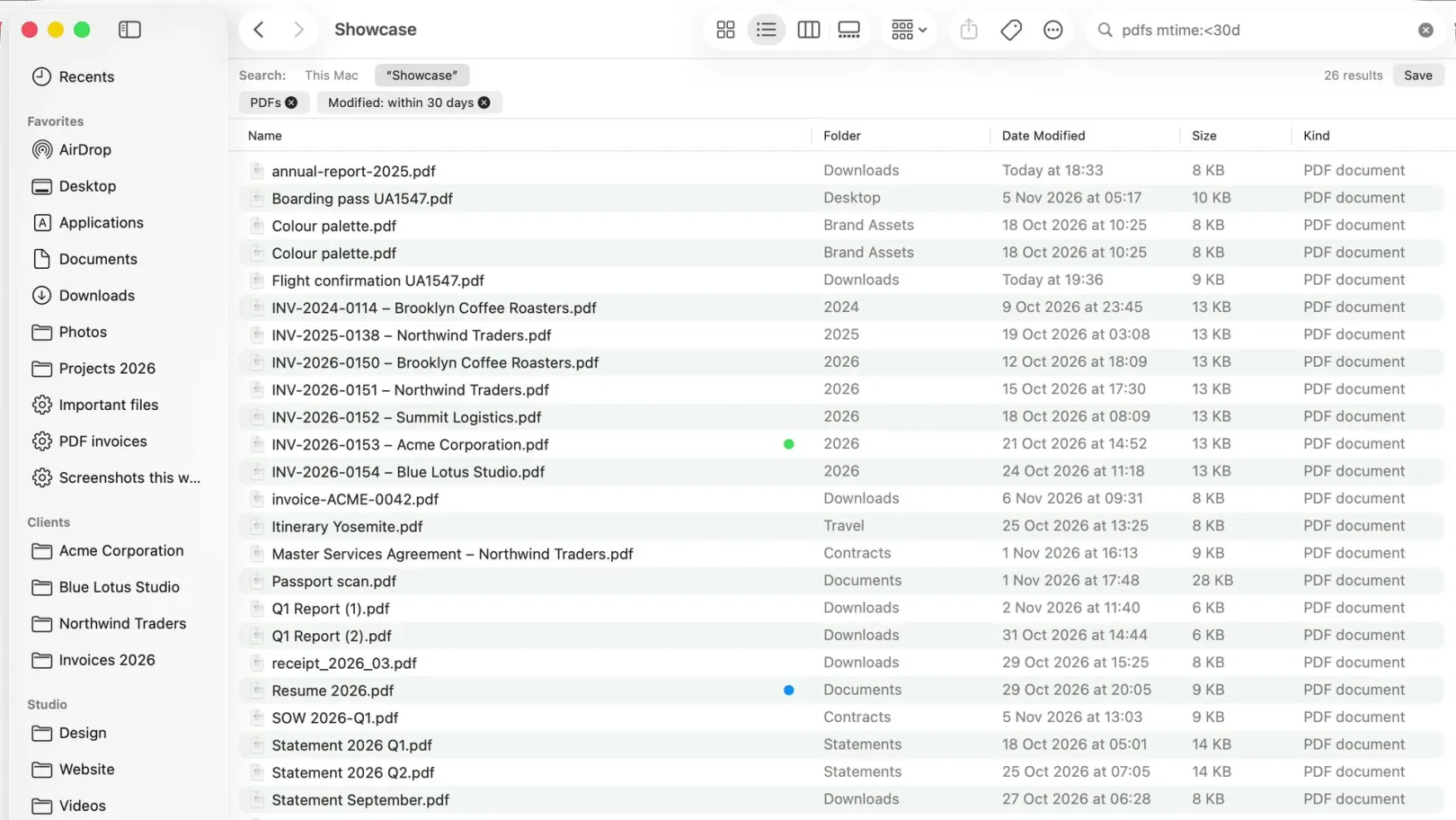
- Search by name, extension, kind, tags or content, also on servers
- Multi-Rename with regular expressions, saved as presets
- Archives you browse like folders, local or remote
Also listed
- Git status, add, commit, push and pull
- Edit a remote file in your own editor; ForkLift uploads on save
- Opens Terminal, iTerm, Warp, Ghostty and others at the current folder
- Workspaces, Quick Open and an app deleter
Who might want something else?
ForkLift users who look for an alternative usually want one of three things. Each points to a different app.
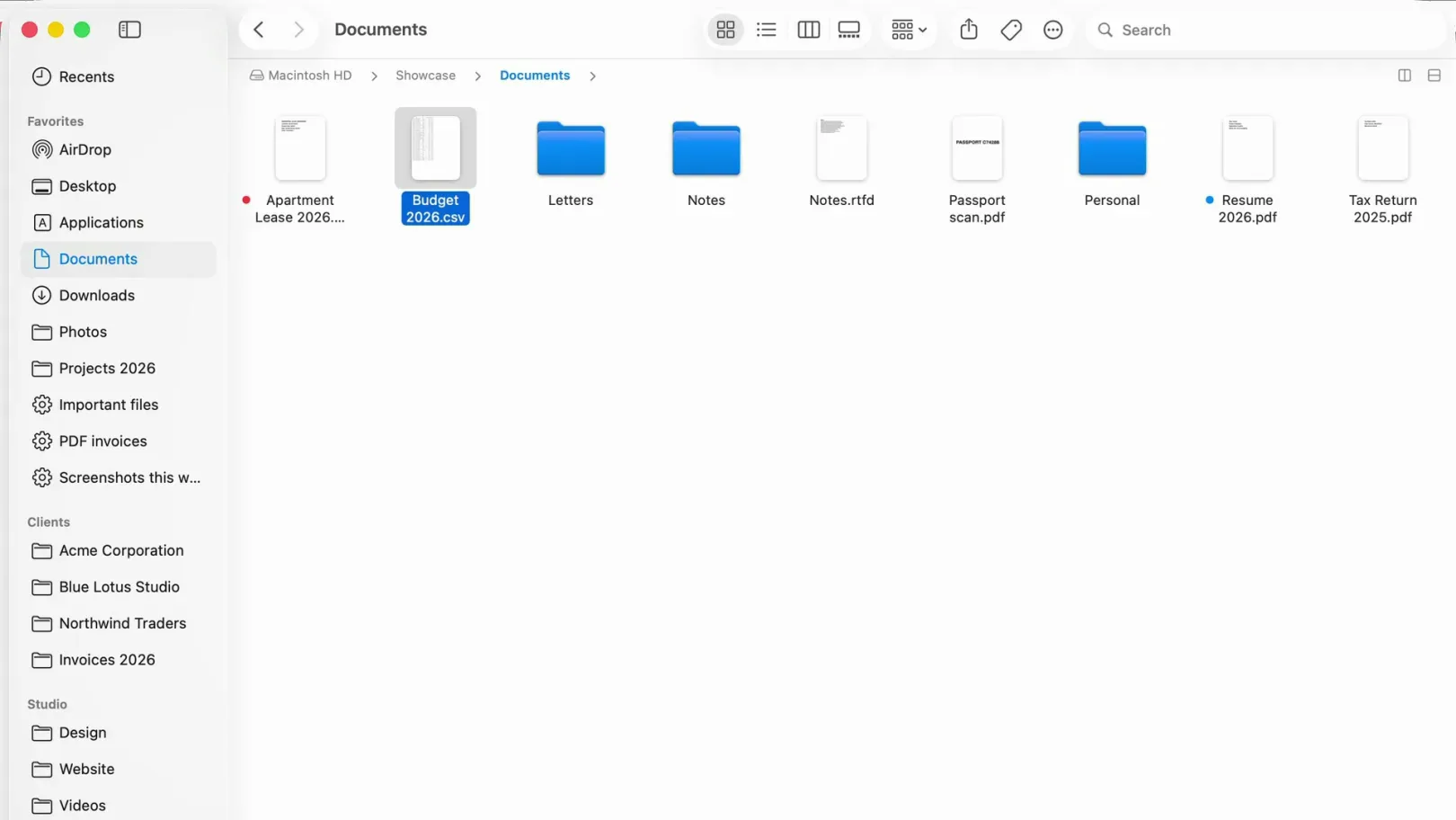
- Finder's look and keys. ForkLift has its own layout and themes. An app with Finder's four views, sidebar and shortcuts asks you to learn less.
- A free plan. ForkLift has a free trial, then a paid license. FileOctopus Free has no time limit; Nimble Commander is free and open source (see our alternatives list).
- Updates without renewing. A ForkLift license includes one or two years of updates. After that you keep the last version you are covered for, and a new license brings new updates (store).
ForkLift and FileOctopus compared
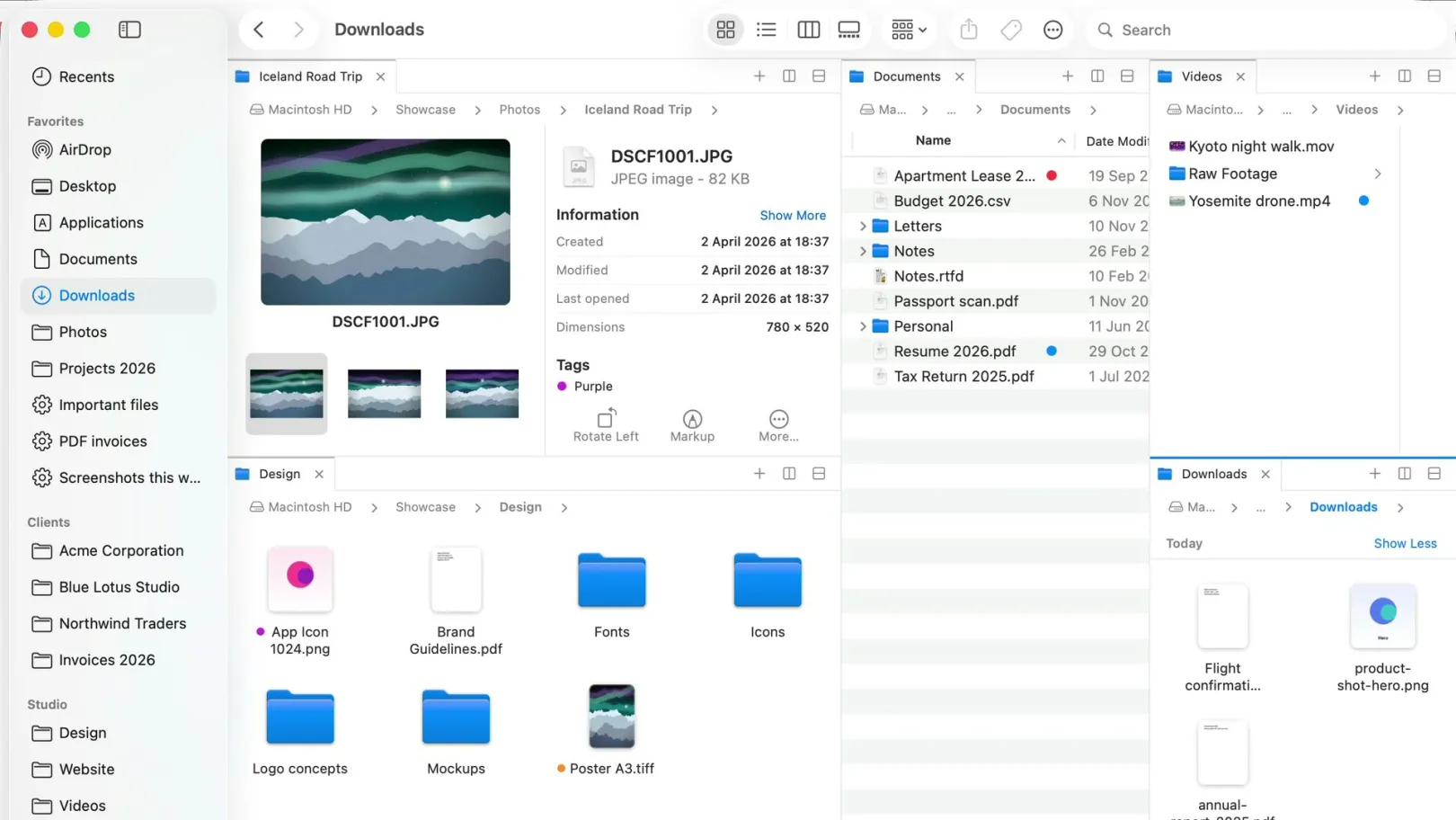
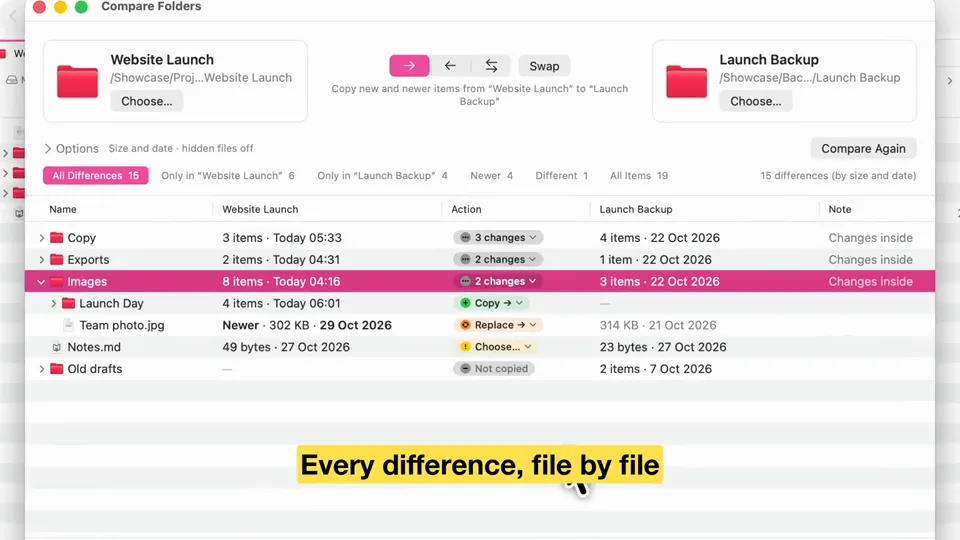
ForkLift has more remote services, Git and archive browsing. FileOctopus has Finder's views and keys, a Free plan and its own filename index. Both have dual panes, tabs, workspaces, folder sync and batch rename.
| What you choose on | ForkLift 4 | FileOctopus |
|---|---|---|
| Browsing | ||
| Layout | Yes: Two panes, side by side or stacked; tabs; workspaces | Yes: Finder's four views; 2 panes Free, 16 PRO; tabs; workspaces (PRO) |
| Search | Yes: Own search (also on servers) and Spotlight | Yes: Own name index plus Spotlight; text in documents and screenshots opt-in (PRO) |
| Remote and cloud | ||
| Servers | Yes: SFTP, FTP, FTP TLS, WebDAV, S3, Backblaze B2, Rackspace, SMB, AFP, NFS | PRO: SFTP (beta), WebDAV, Cloudflare R2 and S3-compatible; Amazon S3 beta. SMB through Connect to Server (Free) |
| Google Drive, OneDrive, Dropbox | Yes: Signs in to them itself | Partly: Through the providers' own Mac apps, with cloud status and Download Now (Free) |
| Tools | ||
| Folder sync | Yes: One- or two-way, local or remote | PRO: Compare Folders: one- or two-way, with Undo Sync |
| Batch rename | Yes: With regular expressions | Yes: Free, preview of every name; no regular expressions |
| Archives | Yes: Browse inside, local or remote | Partly: Compress to ZIP |
| Git | Yes | No |
| Undo after quitting | Not stated: not stated on their site | Yes: Last 20 steps, 24 hours |
| Requirements and price | ||
| Oldest macOS | 14.6 | 15.0 |
| Intel Macs | Not stated: not stated on their site | No: Apple Silicon only |
| Price model | Lifetime license with 1 or 2 years of updates; single, family or 5-Mac business; free trial | Free plan; PRO one-time, 14-day trial |
| Latest version | 4.7.7, 20 October 2026 | 1.1.1, 12 November 2026 |
has it partly no not stated in PRO. ForkLift cells: binarynights.com, store, manual and release notes, checked 16 November 2026. The trial length isn't stated on those pages. The manual mentions a Setapp version of ForkLift. FileOctopus cells: our servers guide, cloud storage guide and limits page.
Want Finder's feel with panes and fast search? Download FileOctopus; the Free plan has no time limit, and PRO is one-time (pricing).
When ForkLift is the better choice
ForkLift is the better choice for remote-first work. Stay with ForkLift, or pick it, if any of these is true:
- You use FTP, Backblaze B2, NFS or AFP. FileOctopus connects to SFTP, WebDAV and S3 storage only.
- You want Google Drive or OneDrive without their desktop apps. ForkLift signs in to them itself; FileOctopus only shows the folders those apps put on your Mac.
- You sync folders on servers. ForkLift syncs local and remote folders and saves each sync for reuse.
- You work in Git repositories or edit files on servers in your own editor.
- You browse inside archives. FileOctopus only compresses to ZIP.
- You rename with regular expressions. FileOctopus batch rename has Replace Text, Add Text and Format, without regex.
- Your Mac runs macOS 14.6, which ForkLift supports and FileOctopus doesn't.
What FileOctopus does differently
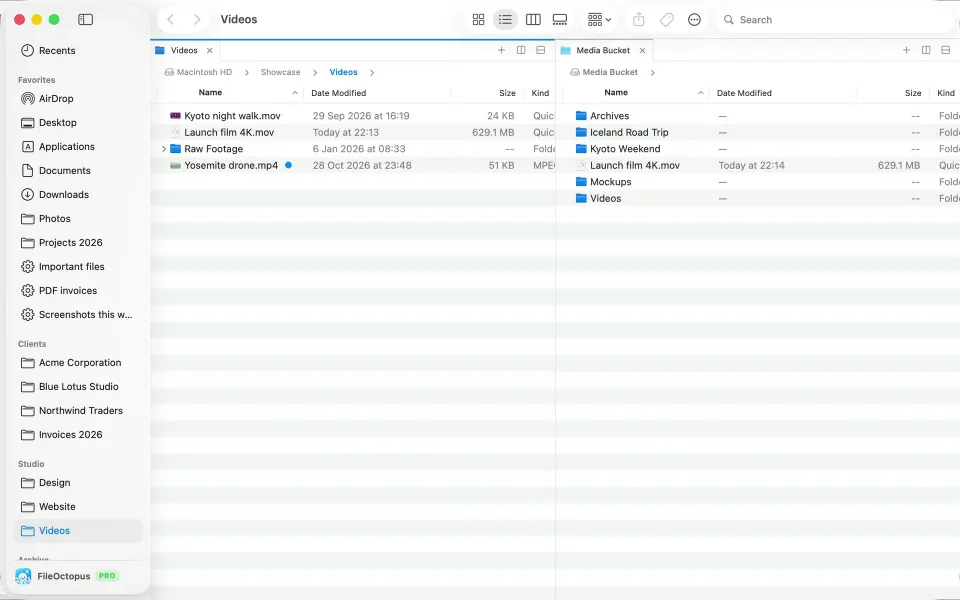
Works like Finder, nothing to relearn: Icon, List, Column and Gallery view with ⌘1 to ⌘4, the same sidebar, Quick Look on Space and Finder's shortcuts, plus panes, search that answers as you type and file operations that ask first.
Good at
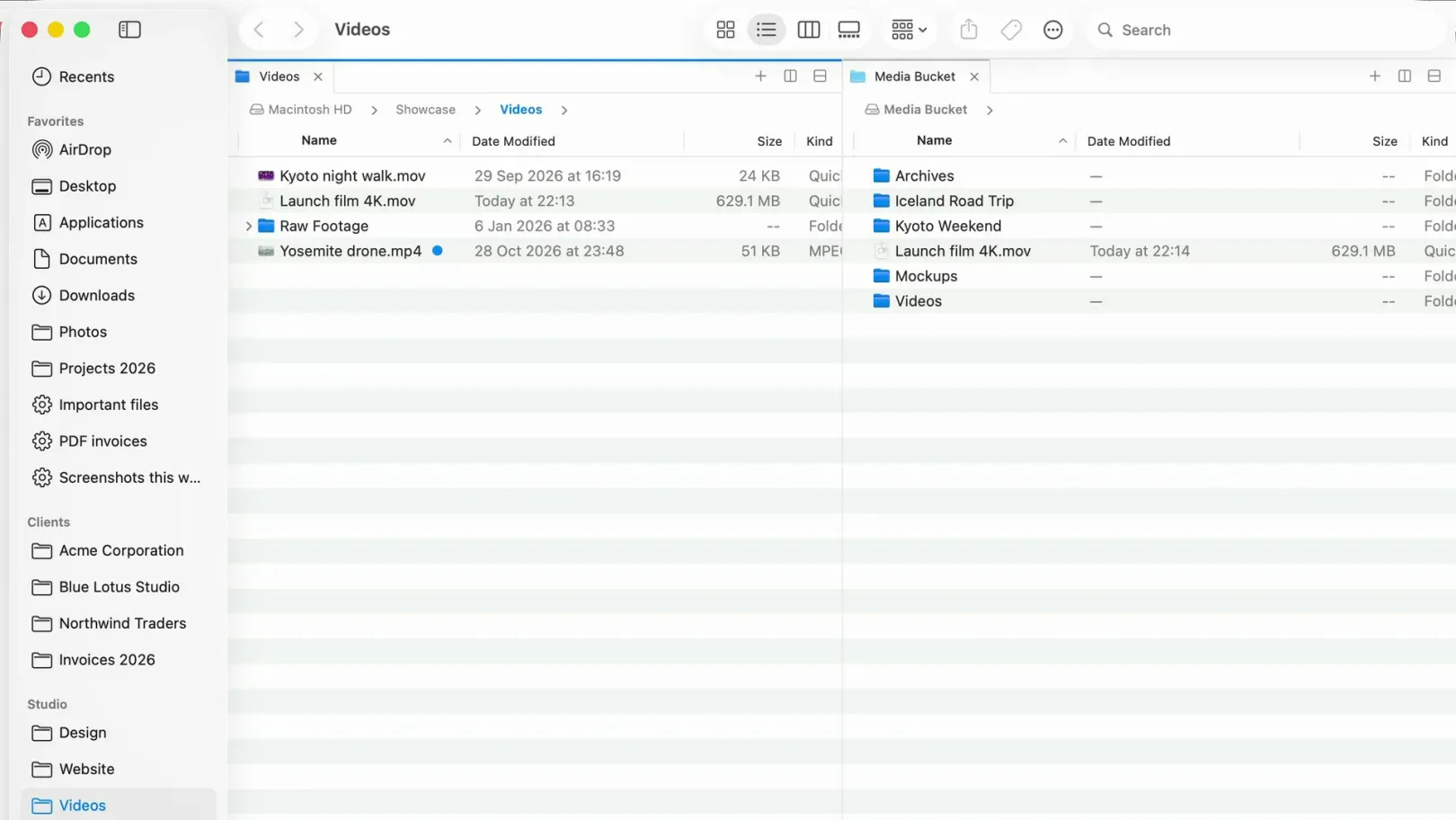
- Panes: split right or down, tabs per pane, workspaces (PRO), ⌃⇧⌘C to copy to the other pane (guide)
- Servers in a pane (PRO): every copy checked by size, a move read back before the original is removed, deletes go to a recycle folder on SFTP and WebDAV (guide)
- Safer local copies: pause, clashes ask first, Undo after quitting (guide)
Keep in mind
- SFTP and Amazon S3 are still a beta
- No FTP, no Git, no terminal
- Copying between two servers goes through your Mac; the limits page lists the rest
How to switch from ForkLift to FileOctopus
Switching from ForkLift takes a few minutes, and both apps can stay installed side by side.
- Your files stay where they are; neither app moves files on install or removal.
- Choose View ▸ Pane Layout ▸ Side by Side for two panes; Window ▸ Save Workspace… keeps a layout (PRO).
- Re-add each server with Go ▸ Connect to Server… (⌘K), for example
sftp://user@server.example.com. FileOctopus reads your~/.ssh/configand keys the way Terminal does. - For Google Drive and Dropbox, install their desktop apps; their folders then appear under Locations in the sidebar (see Google Drive and Dropbox not showing in Finder).
- Add folders you search often in FileOctopus ▸ Settings… ▸ Search to index their names.
Questions people ask
Is there a free alternative to ForkLift?
Yes. FileOctopus Free has no time limit and includes two panes, file operations with Undo, batch rename and filename search; servers need PRO. Nimble Commander is free and open source and supports FTP, SFTP and WebDAV, per its site (checked 4 November 2026, alternatives list).
Is ForkLift a subscription?
No. BinaryNights sells a lifetime license that includes one or two years of updates. After that period you keep using the last version your license covers (store, checked 16 November 2026).
Can FileOctopus replace ForkLift for SFTP?
For browsing and copying on SFTP, WebDAV and S3 storage, yes, in PRO. SFTP is still a beta, and FTP, remote editing and server-to-server sync are not offered, so ForkLift remains the stronger file transfer client.
What other ForkLift alternatives are there?
Commander One also covers servers, cloud and archives; Path Finder adds modules and a terminal; QSpace Pro offers many pane layouts. Our best Finder alternatives compares nine apps in one table, and the Path Finder alternative page covers Path Finder in depth.
Like Finder but want panes, servers and faster search? Download FileOctopus; the Free plan has no time limit.
Sources
Checked on 16 November 2026: ForkLift 4 home page, ForkLift store, ForkLift 4 Quick Start Guide, BinaryNights release notes. FileOctopus facts are from our guide and limits page.
The ForkLift icon comes from its maker's site and belongs to BinaryNights. Spotted a mistake? Write to support@fileoctopus.com and we'll correct it.