Everything for Mac? Fast filename search options compared
Everything (voidtools) is Windows only. The built-in Mac way to search names only, and how Find Any File, EasyFind, HoudahSpot and others compare.
In short
- There is no Mac version of Everything: voidtools makes it for Windows only.
- Built in: Spotlight, and Finder by name only (Name Contains, or
mdfind -namein Terminal). - Not tied to Spotlight's index: Find Any File, EasyFind or FileOctopus, each in its own way.
Disclosure: FileOctopus is our app, so we say where another tool is the better choice. Every fact about another app comes from its own site, checked on 9 November 2026.
- Open a file you know the name ofSSpotlight
 Alfred
 Raycast
- Spotlight misses the file
 Find Any FileEEasyFind
- Precise criteria and saved templates
 HoudahSpot
- Results inside a window that works like Finder
 FileOctopus
What does Everything do on Windows?
A free Windows tool that finds files and folders by name as you type. Per its FAQ:
- It "only indexes file and folder names", skipping contents.
- It stays current through the NTFS USN Journal, a per-drive change log Windows keeps, so the index is small and quick to build.
- Windows XP to Windows 11; voidtools.com offers Windows builds only.
- Stable version 1.4.1.1032; 1.5 is in testing.
Why isn't there an Everything for Mac?
Everything is built on NTFS. Macs use APFS, which has no NTFS USN Journal, so the design can't simply be ported. A Mac app has three choices, which explain most differences below:
- keep its own index,
- ask Spotlight, or
- read the disk each time you search.
The built-in macOS answer: Spotlight and names only
Spotlight keeps a system-wide index that Finder's search uses. But Finder's default search matches names and text inside documents, so a common word returns many files and the list takes seconds to settle. To search names only:
- Finder: ⌘F, type, choose the Name Contains suggestion (or type
name:first). - Spotlight: ⌘Space. Best matches, not a full list; fine for opening one file.
- Terminal:
mdfind -name "invoice"prints every name match from the Spotlight index, with paths. - No index:
find ~ -iname "*invoice*"reads your home folder directly; finds what Spotlight skipped, slowly on big folders.
If Finder finds nothing at all, see Finder search not working.
Everything alternatives for Mac compared
| Tool | Where results come from | Searches by | Oldest macOS | Price model |
|---|---|---|---|---|
 Finder and Spotlight | Spotlight index | Name, contents, kind, dates and more | Built in | Part of macOS |
| Find Any File | Finds files Spotlight doesn't, including on NAS and external volumes; how is not stated | Name, extension, date range, size, kind | 10.11 (2.6.1 supports 10.11 to 27) | Shareware; also Mac App Store |
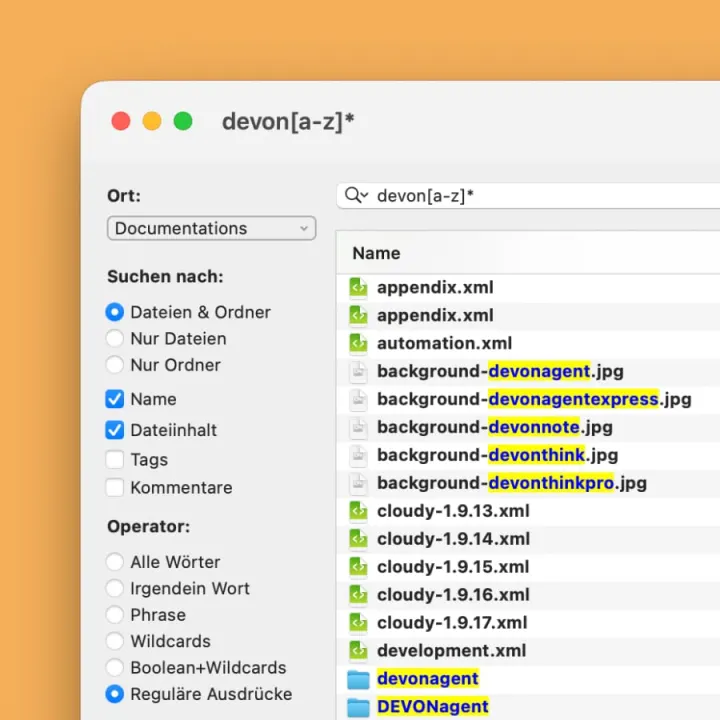
| EEasyFind | Not stated | Name, content, tags or comments; Boolean, wildcards, regex | OS X El Capitan (10.11) | Free |
| HoudahSpot | Spotlight index | Advanced criteria on Spotlight metadata | 10.14, Spotlight indexing on | Paid, free trial |
| Alfred | Not stated | Name; in searches contents | 10.14 | Free core; Powerpack paid |
| Raycast | Not stated | File names | Not stated | Free to download and use |
| FileOctopus | Own filename index for the folders you add, plus Spotlight | Name (fuzzy), kind, date, size, tags; contents and text in images opt-in (PRO) | 15.0, Apple Silicon only | Free plan; PRO one-time |
not stated on the maker's site. Checked 9 November 2026 on findanyfile.app, devontechnologies.com, houdah.com, alfredapp.com and its file search help, and raycast.com. ProFind's site didn't load, so it isn't listed.
Which Everything alternative should you pick?
- Open a known file: Spotlight, Alfred or Raycast open from a shortcut anywhere, the part of Everything many miss most.
- Spotlight misses it: Find Any File. Holding Option turns Find into Find All, which asks for an administrator password to search everywhere. EasyFind is free and searches name or content.
- Precise criteria, saved templates: HoudahSpot, only as complete as the Spotlight index it builds on.
- Results in a file manager: FileOctopus, where you copy, move or rename matches.
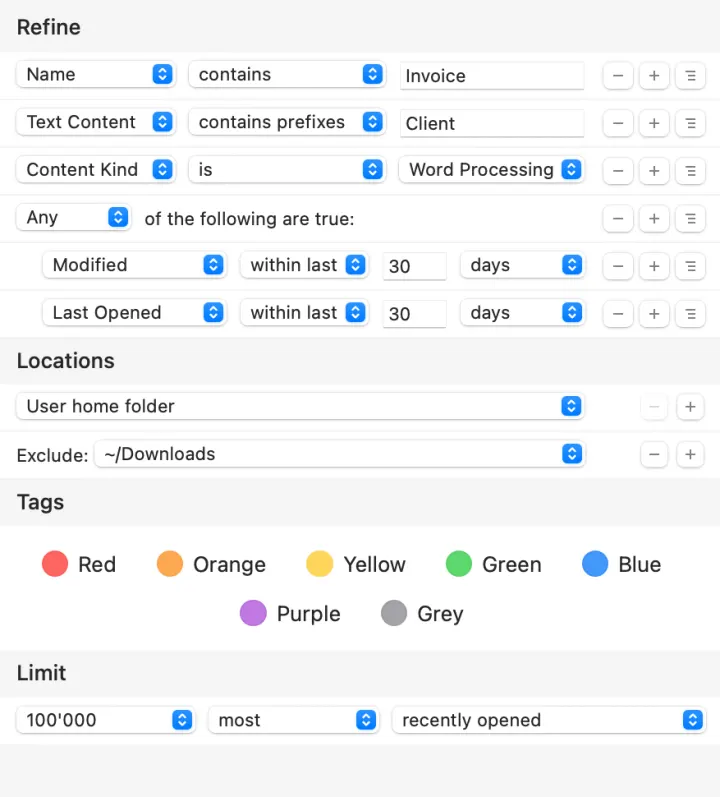 HoudahSpot criteria. Screenshot: Houdah Software.
How FileOctopus searches file names
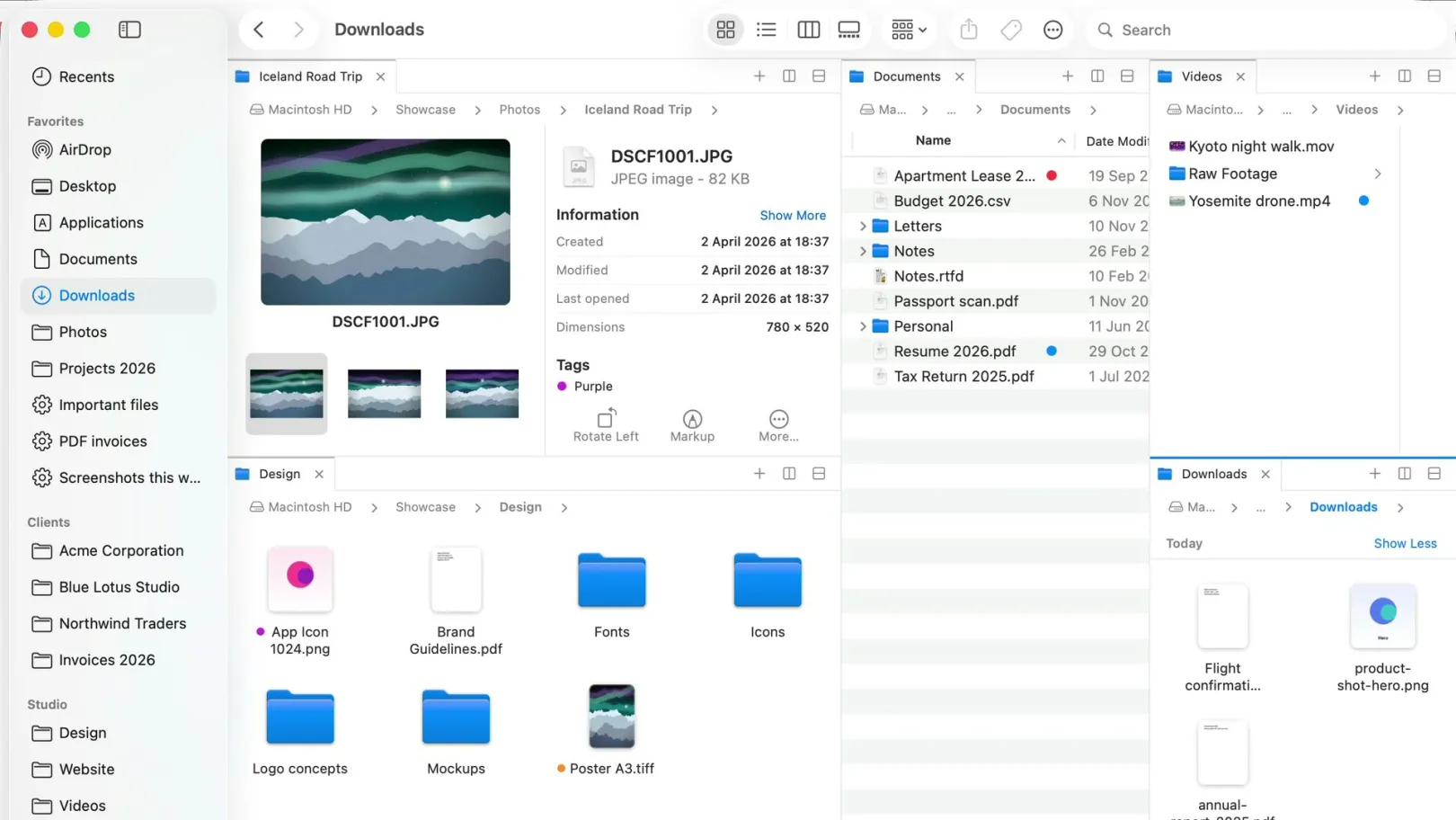
Works like Finder, with its own filename index for folders you add in FileOctopus ▸ Settings… ▸ Search, updated as files change, so it doesn't depend on Spotlight. This Mac adds Spotlight's results, as in Finder.
Good at
- Speed: about 10× sooner than Finder names-only and 20× sooner than its default search (M4, chart above); an earlier run on a MacBook Pro with M3 Max measured 29× against the default; first rows appear at about the same moment
- Fuzzy matching: a fragment of a name still finds the file
- Visible filters:
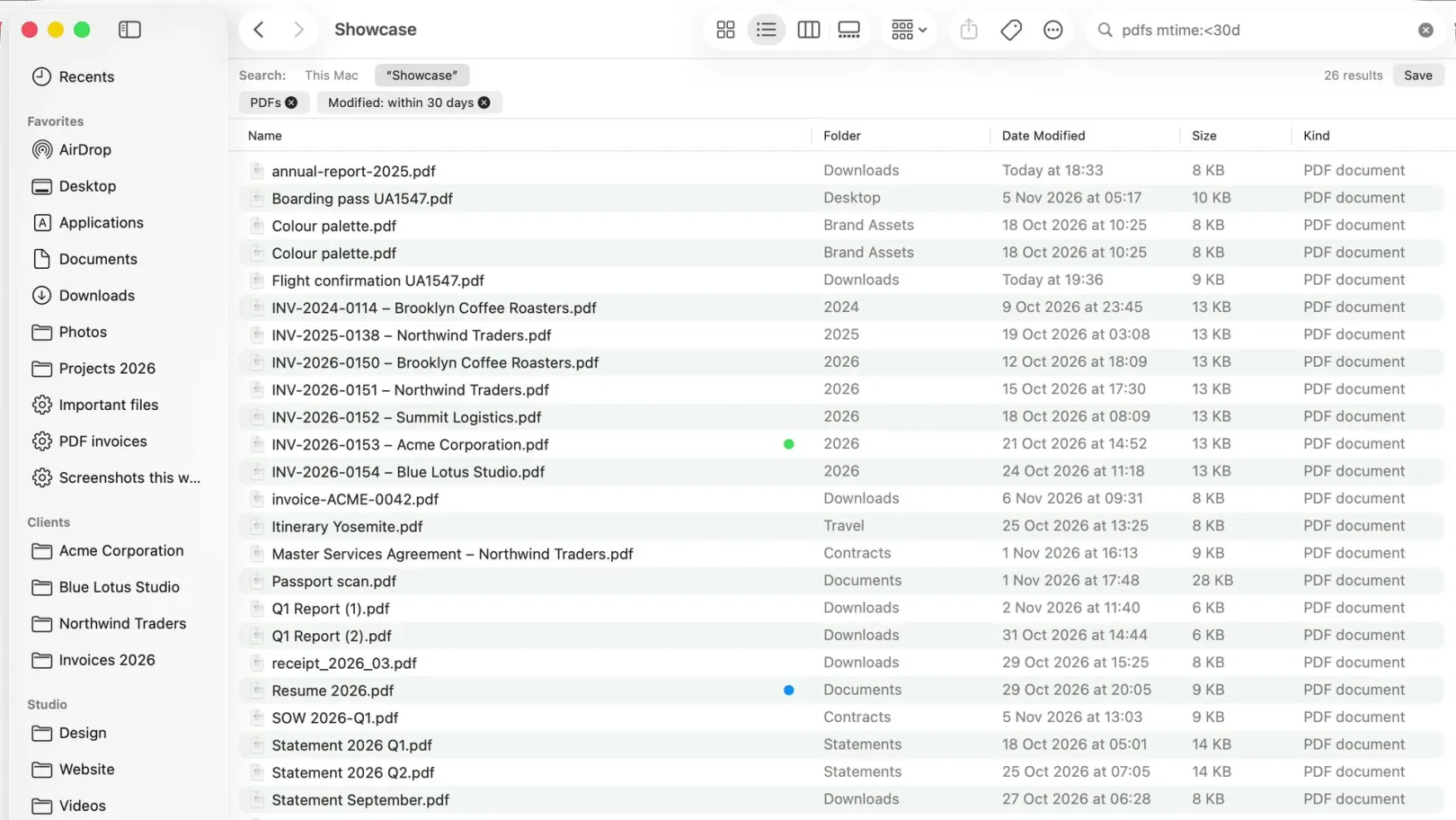
pdfs from last weekbecomes chips (supported phrases) - Act on results: Quick Look, Show in Enclosing Folder (⌘R), Copy as Pathname, send to another pane
Keep in mind
- Doesn't scan your whole disk: its index covers only folders you add
- This Mac skips hidden items, system folders and your Library, like Finder with system files off
- Needs Apple Silicon and macOS 15 or later
Questions people ask
Is Everything available for Mac?
No. voidtools calls it a search engine for Windows; its FAQ lists Windows XP to 11.
What is the best free Everything alternative for Mac?
Spotlight by name is built in. EasyFind (DEVONtechnologies) is free with no setup. FileOctopus filename search is in its Free plan.
Can a Mac search find hidden and system files?
Finder skips system files unless you add the System files criterion; Spotlight doesn't index most hidden folders. find or Find Any File's Find All reach them; FileOctopus doesn't.
Can these tools search a network drive?
Find Any File says it does (NAS volumes). Finder depends on the server; some don't offer Spotlight search.
Want search that answers as you type, in a window that works like Finder? Download FileOctopus.
Sources
Checked on 9 November 2026: voidtools Everything FAQ, Everything support page, Find Any File, EasyFind (DEVONtechnologies freeware), HoudahSpot, Alfred, Raycast File Search. Benchmark: Finder search benchmark.
Screenshots and icons, downloaded 9 November 2026 and shown unedited, come from the makers: HoudahSpot from houdah.com, EasyFind from devontechnologies.com, the Find Any File icon from its Mac App Store listing, the Alfred icon from alfredapp.com and the Raycast icon from raycast.com. Each belongs to its maker. Spotted a mistake? Write to support@fileoctopus.com.